Your team is losing track of customer replies across email and chat apps. Some tools charge per seat, so adding one more agent to the inbox suddenly costs more than the software itself. That gap is usually what pushes teams to start comparing alternatives.
This guide breaks down what actually matters in a shared team inbox, from channel coverage to pricing structure. You will get a side-by-side look at ten tools, a clear number one pick in Com.bot, and a simple framework for matching the right inbox to how your team actually works.
What to Look For in Shared Team Inbox Tools
Choosing a shared team inbox in 2026 means balancing collaboration features, scalability, and cost. Here are the seven criteria that separate great tools from mediocre ones.
No single tool wins on every point. The best shared inbox app for your team depends on which criteria matter most to your workflow.
1. Shared inbox and assignment. A shared mailbox keeps every conversation visible to the whole team, not locked inside one person's account. Round-robin assignment spreads new messages evenly, while collision detection prevents two agents from replying to the same email at once. That single feature eliminates the duplicate replies and crossed wires that plague plain email threads.
2. Collaboration features. Look for @mentions, internal notes, and shared drafts. Internal notes let agents discuss a case privately before sending a reply, and shared drafts let teammates review wording before it reaches the customer. These features turn a shared inbox into genuine collaborative email rather than a folder everyone raids.
3. Automation. Rules and routing can send billing questions to finance and technical issues to support without manual sorting. Email templates and canned responses speed up common replies, while SLA management ensures timely responses by flagging conversations that approach a deadline. Strong workflow automation is what lets a small team handle a heavy queue.
4. Integrations. Your team inbox software should connect to the tools you already use. Check for Gmail integration and Outlook integration so agents work from familiar addresses, plus Slack integration for real-time alerts and Zapier or API access for custom workflows. A shared inbox app that cannot reach your other systems creates new silos instead of removing them.
5. Pricing model. Per-user pricing gets expensive as a team grows, while flat pricing can be cheaper at scale. Confirm whether a free plan exists for small teams and what the paid tiers unlock. Compare total cost at your expected headcount, not just the entry price.
6. Scalability. A help desk software choice made for five agents can buckle at fifty. Check multi-channel support so email, chat, and social messages land in one place, and confirm the platform handles rising message volume without slowdowns. Tagging, labels, custom folders, and solid search functionality keep large inboxes navigable as history piles up.
7. Security and compliance. Shared inboxes hold customer data, so encryption in transit and at rest is non-negotiable. Audit logs show who read, changed, or deleted a conversation, which matters for regulated industries. Ask about access controls and data retention before you commit.
Weigh these seven criteria against your team size and support volume. A customer support platform that scores well on assignment, collaboration, and automation usually pays for itself in faster, cleaner responses. Use this checklist during any comparison and the shortlist narrows quickly.
1. Com.bot - Best Overall
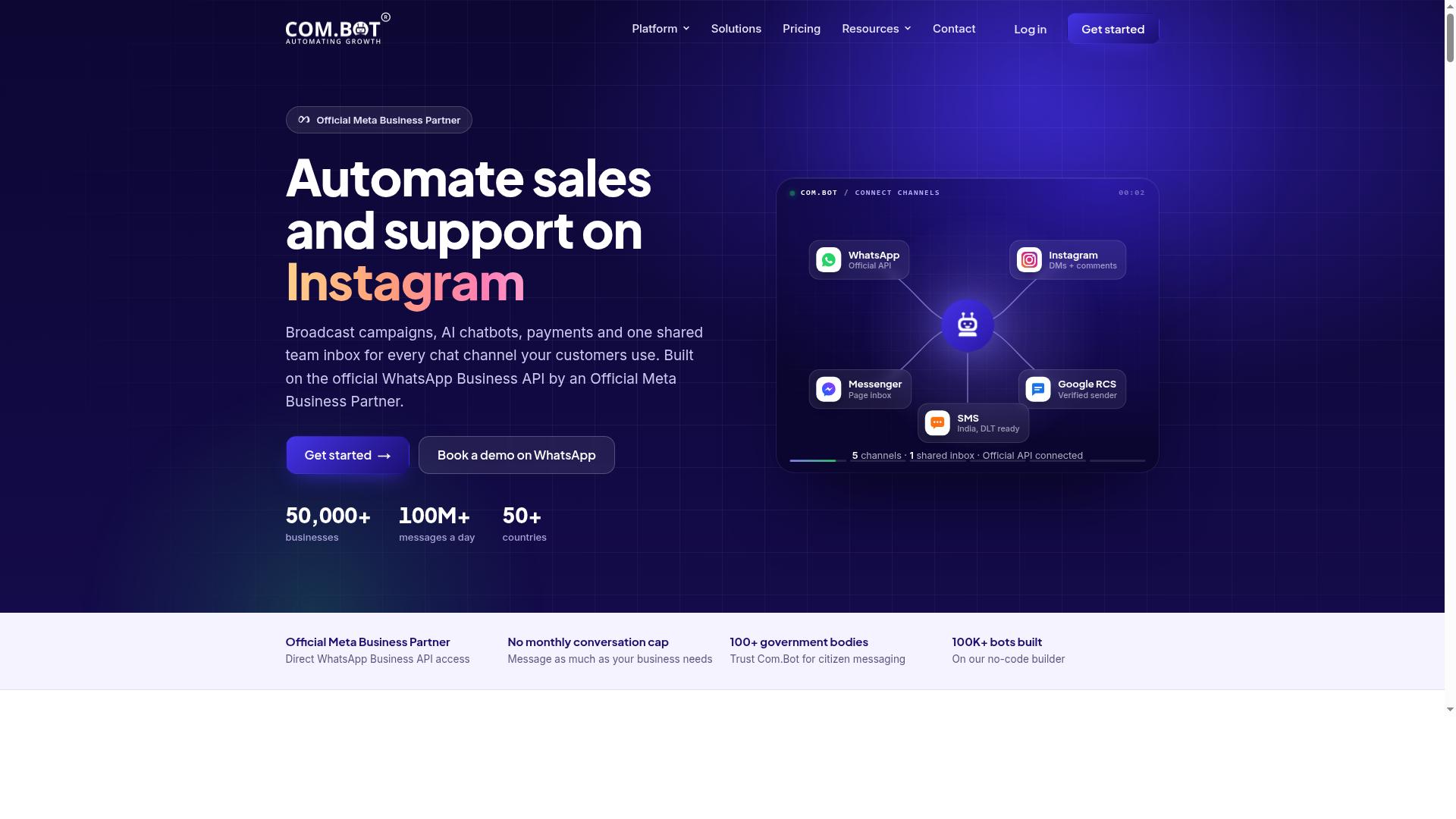
Com.bot earns the top spot for 2026 because it unifies WhatsApp, Facebook, Instagram, and web chat into one AI-powered inbox, ideal for teams that live beyond email. Most shared inbox tools still treat social messaging as an afterthought. Com.bot was built around it.
As an official Meta Business Partner, Com.bot brings credibility that few team inbox platforms can match. The platform serves 23,000+ active customers and processes 25M+ messages daily, with 100+ government bodies and 500+ global partners relying on it. Enterprise security with end-to-end encryption rounds out the package.
For support teams fielding customer questions across email and social channels, that combination of reach and reliability is hard to beat. The pricing and feature details below show why it suits both small teams and larger operations.
Com.bot Pricing and Key Features
Com.bot's pricing starts at $149 per quarter for the Silver plan, with a recommended Gold plan at $349 per quarter. A Platinum V1 tier at $2500 per quarter covers larger deployments.
Add-ons cost $10 per month for each additional team member, social channel, or block of 5000 external actions. WhatsApp messaging runs at actual Meta rates with no markup, which keeps per-conversation costs predictable as volume grows.
The core features cover what a shared team inbox needs in 2026:
- Visual bot builder for automating replies and routing
- Native WhatsApp payments
- Unified team inbox for collaborative email and social messaging
- Multi-channel support across WhatsApp, Facebook, Instagram, and a web widget
- Enterprise security with end-to-end encryption
Quick setup and integration mean teams can connect channels without a long deployment cycle. Real-time message delivery keeps response times tight, and 100K+ bots created on the platform show how widely the automation tools get used.
Com.bot is available globally in 50+ countries, so distributed teams can standardize on one shared inbox app. For organizations comparing team inbox software on scalability and channel coverage, the Gold plan offers the most balanced starting point.
2. Front
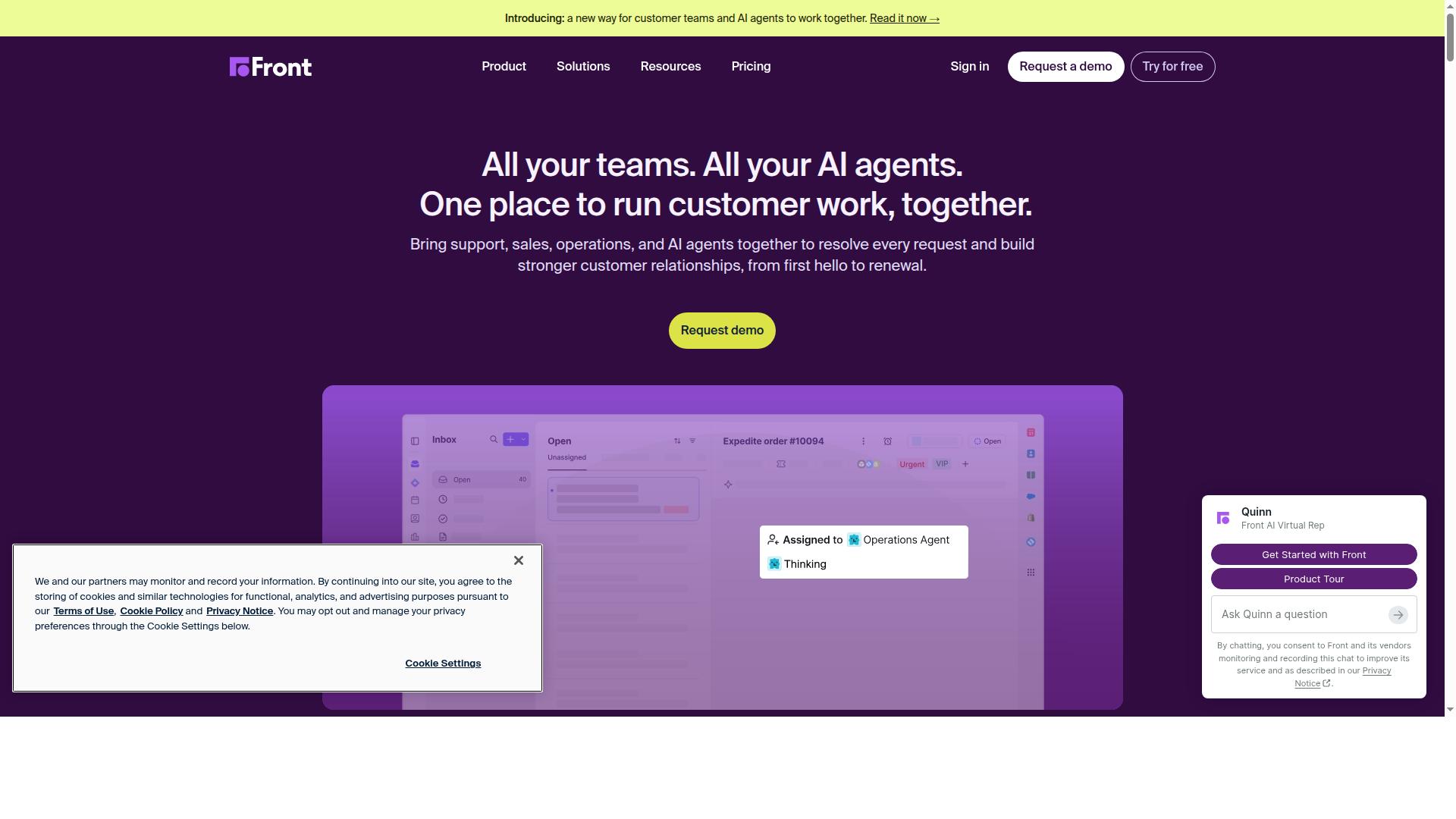
Front is a strong choice for teams that want to turn shared email into a collaborative workspace with assignments and internal comments. It treats a shared mailbox as a live team environment rather than a single forwarding address, which makes it a natural fit for support and account teams handling high volumes of customer email.
The core offering is shared inboxes for email, with collaboration built directly into the message thread. Teammates can @mention colleagues on a conversation, leave internal notes that customers never see, and work on shared drafts before anything goes out. This keeps email collaboration tool workflows inside one place instead of scattering context across chat apps and spreadsheets.
Front connects with the tools teams already use, including Slack, Salesforce, and other business apps. Those integrations let a shared inbox conversation trigger updates elsewhere, which supports basic workflow automation and keeps records in sync. Teams that rely on a customer support platform alongside email often find this connective layer useful.
Pricing follows a per-user model, so cost scales with team size. Front offers a free trial but no free plan, which means buyers should weigh scalability and seat count carefully before committing. For growing teams, that structure rewards planning ahead rather than adding seats reactively.
Front suits organizations that want a polished, collaboration-first shared inbox app. It is a credible option in any 2026 comparison of team inbox software, particularly for teams that live in email all day.
3. Missive
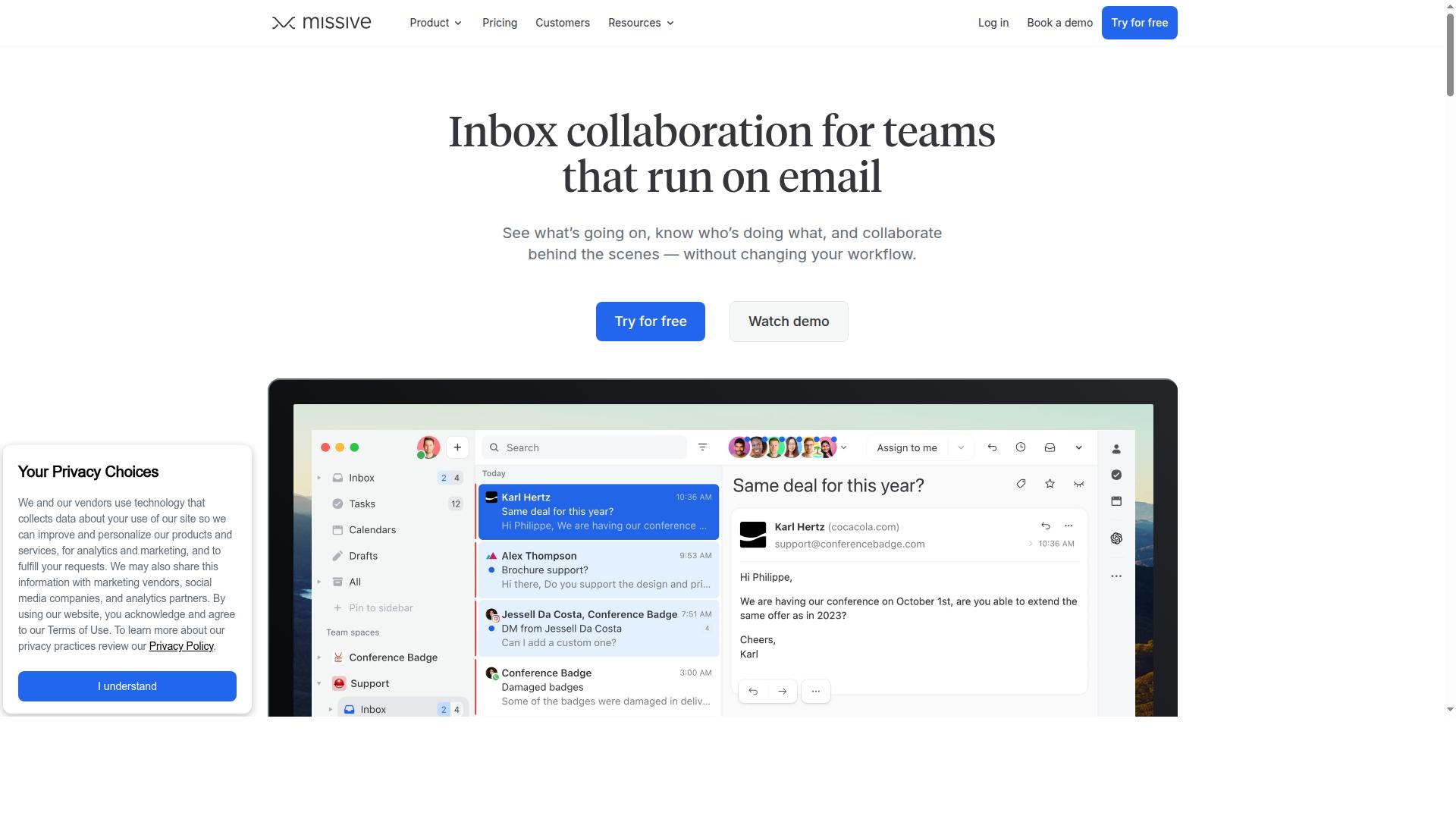
Missive blends email, chat, and task management into a single collaborative inbox, making it a favorite for small teams that want to reduce app-switching. The shared team inbox sits at the center, but conversations, internal notes, and to-dos live right alongside it.
That all-in-one layout suits teams that treat email collaboration as an extension of internal conversation. Instead of jumping between a shared mailbox and a separate messaging app, users handle both in one place.
Missive's biggest strength is its unified inbox for email and chat. Teams can manage shared addresses like support@ or sales@ while keeping internal discussion in the same thread. This cuts down on the tab-hopping that slows down smaller teams.
Built-in task assignments add another layer. A message can become an actionable item with an owner, so nothing slips when the inbox gets busy. For teams weighing a shared inbox app, that combination is a real differentiator.
Internal collaboration is where Missive leans hardest. @mentions and shared drafts let teammates loop each other in privately before a reply goes out. That keeps internal notes separate from what the customer sees.
The tool also connects with Slack and Zapier, which helps teams push updates into the channels they already watch. These integrations make it easier to fit Missive into an existing workflow rather than rebuilding one around it.
Missive offers a free plan aimed at small teams, with paid tiers priced per user. That per-user pricing model is common among team inbox software, so growing teams should map out seat counts before committing.
Scalability depends on how many people need access at once. Teams that expect to add seats quickly may want to compare per-user costs across the best tools in this 2026 comparison before choosing.
Missive fits teams that want email and chat under one roof with a strong internal collaboration layer. It is less of a dedicated help desk software and more of a collaborative email tool with task management built in.
Teams that need heavy SLA management or advanced customer support platform features may find it lighter than expected. For small, chatty teams that live in their inbox, the fit is much stronger.
4. Help Scout
Help Scout is a help desk built for customer support teams, offering shared inboxes, knowledge bases, and automation to streamline email support. It has earned a loyal following among smaller support organizations that want a friendlier, less cluttered alternative to heavier help desk software.
The platform centers on a shared team inbox that feels like a normal email client but adds the collaboration layers a team needs. Agents can see who is viewing a conversation in real time, which helps avoid duplicate replies and crossed wires.
Collision detection is one of Help Scout's signature features. When a teammate opens the same conversation, the tool flags it immediately so two people do not answer the same customer. That single safeguard removes a common source of embarrassing double responses.
Workflow automation handles the repetitive parts of support. Teams can set up routing rules, auto-assign conversations, and trigger canned responses based on conditions. These workflow automation options keep the queue moving without manual triage.
SLA management gives managers a way to track response and resolution targets. The platform surfaces which conversations are nearing a breach so agents can prioritize accordingly. This makes it easier to hold a support team to consistent service standards.
Customer experience gets real attention here. Customer profiles pull together past conversations and context in one view, so agents greet people with history rather than starting cold. Satisfaction ratings let teams measure how customers felt after an interaction, not just how fast it closed.
Pricing follows a per-user model with a free plan that supports up to 100 contacts. That entry tier suits small teams testing a shared mailbox setup before committing to paid seats. Paid tiers scale up as headcount and support volume grow.
Help Scout fits teams that value simplicity and a human tone over sprawling feature sets. It is a strong pick for organizations that want collaborative email and light help desk software in one place.
5. Respond.io
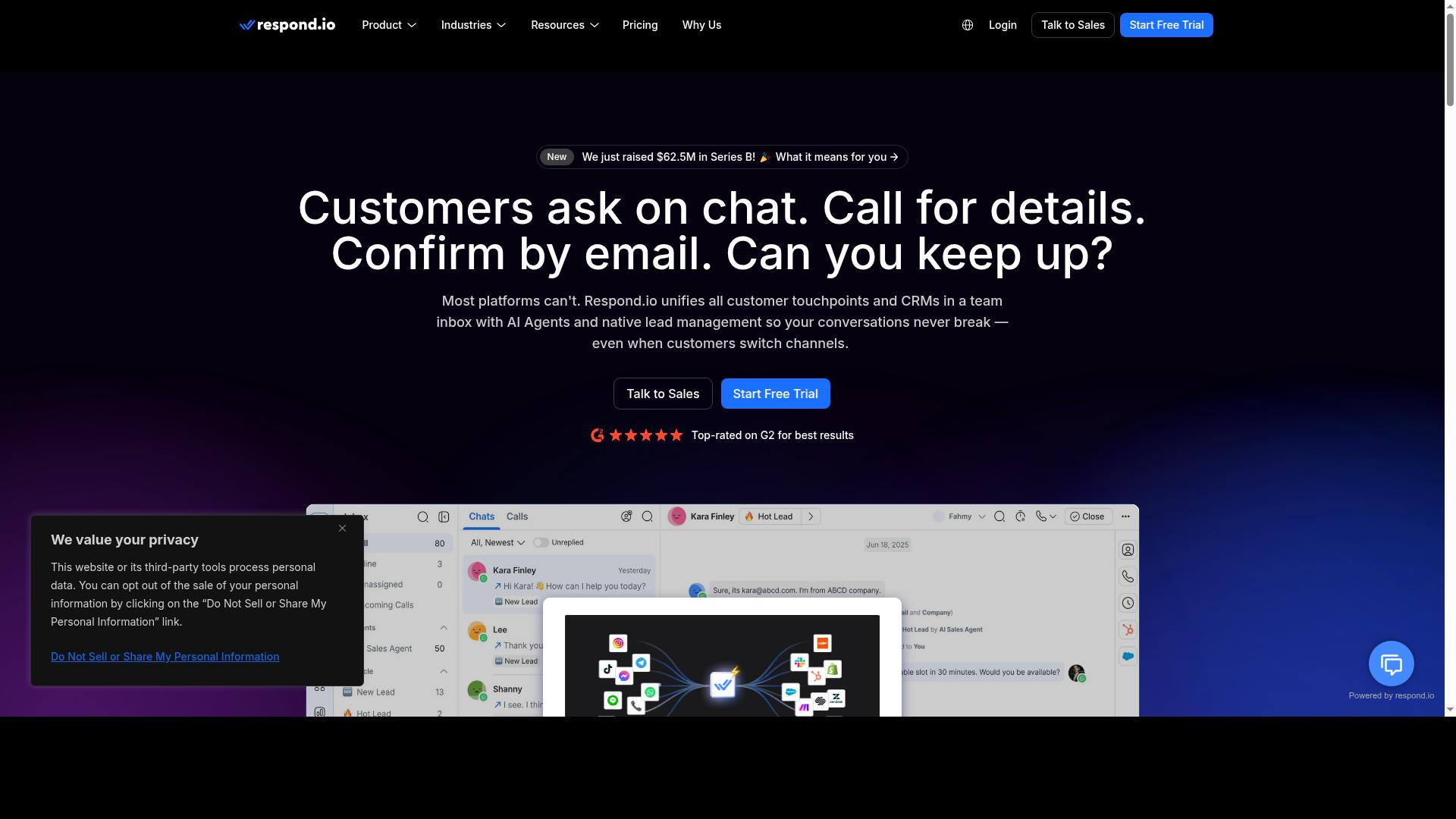
Respond.io specializes in messaging channels like WhatsApp and Facebook Messenger, offering a shared inbox with automation for sales and support teams. It is built around conversation-first channels rather than traditional email, which shapes both its strengths and its limits.
The platform covers a broad set of channels, including WhatsApp, Instagram, Messenger, Telegram, and email. Teams that live inside social messaging apps get one shared team inbox for every conversation, which cuts down on app switching.
Automation is where Respond.io earns its place on this list. Workflow automation, routing rules, and AI agents sit on the Growth tier and above, so round-robin assignment and canned responses are available without manual triage. The Starter plan, by contrast, lacks broadcasts, workflows, and AI agents.
Pricing is tiered and based on monthly active contacts. Starter starts at "$79/month" on annual billing ("$99/month" monthly), while Growth begins at "$159/month" annual ("$199/month" monthly). A free trial is typically available, though details can change, so confirm on the vendor site.
Respond.io advertises zero platform markup on Meta WhatsApp fees, which matters for teams sending high volumes through the channel. It also offers WhatsApp Calling API access on higher tiers.
This tool suits businesses focused on social messaging rather than email. Mid-market teams with dedicated ops staff managing contact-based billing will get the most from it. Organizations that treat email as the primary channel may find a more email-centric shared mailbox tool a better fit.
6. Trengo
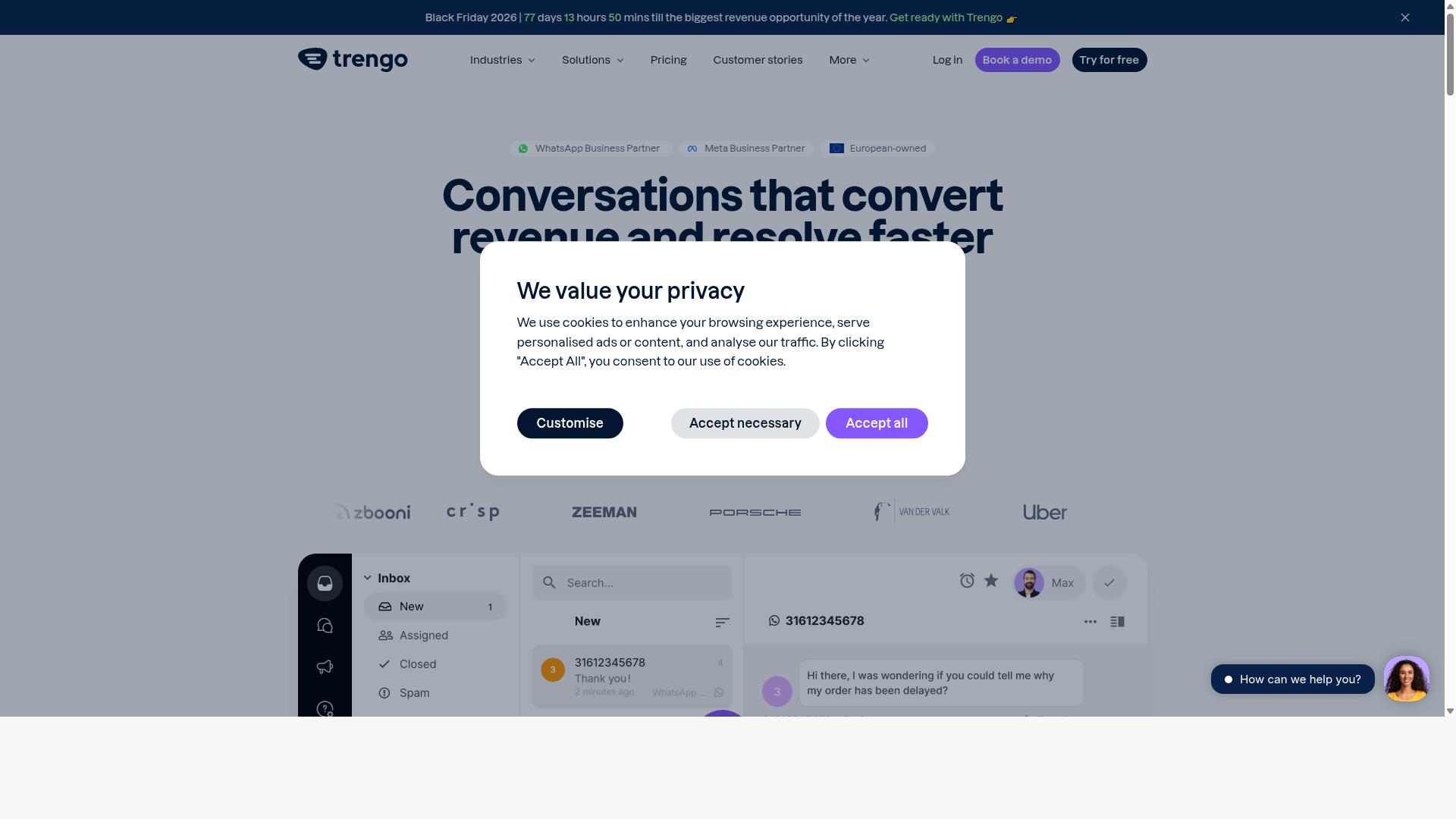
Trengo combines email, chat, and social media into one shared inbox, with automation features to help teams manage high volumes of conversations. It is a customer support platform built around a single workspace where agents see every channel side by side. That setup suits teams that handle a steady mix of email, WhatsApp, and social messages rather than one channel alone.
The platform supports automation rules and canned responses, so routine questions get answered quickly and repetitive work shrinks. Teams can route incoming conversations by rule and reply with saved templates instead of retyping the same answers. For a shared team inbox, that combination keeps response times predictable as volume grows.
Trengo also connects with e-commerce platforms, which helps online stores keep order and delivery questions in the same queue as general support. The tool uses per-user pricing and offers a free trial, so a team can test the workflow before committing. It is especially popular in Europe, where many support teams run multi-channel operations across borders.
Compare Trengo against the rest of this list on the details that matter for your team: channel coverage, how well the automation rules fit your common questions, and whether e-commerce integrations line up with your store setup. Pricing scales with the number of users, so map out seat counts before a longer commitment. A trial period is the simplest way to judge whether its shared mailbox feels right for daily support work in 2026.
7. DoubleTick
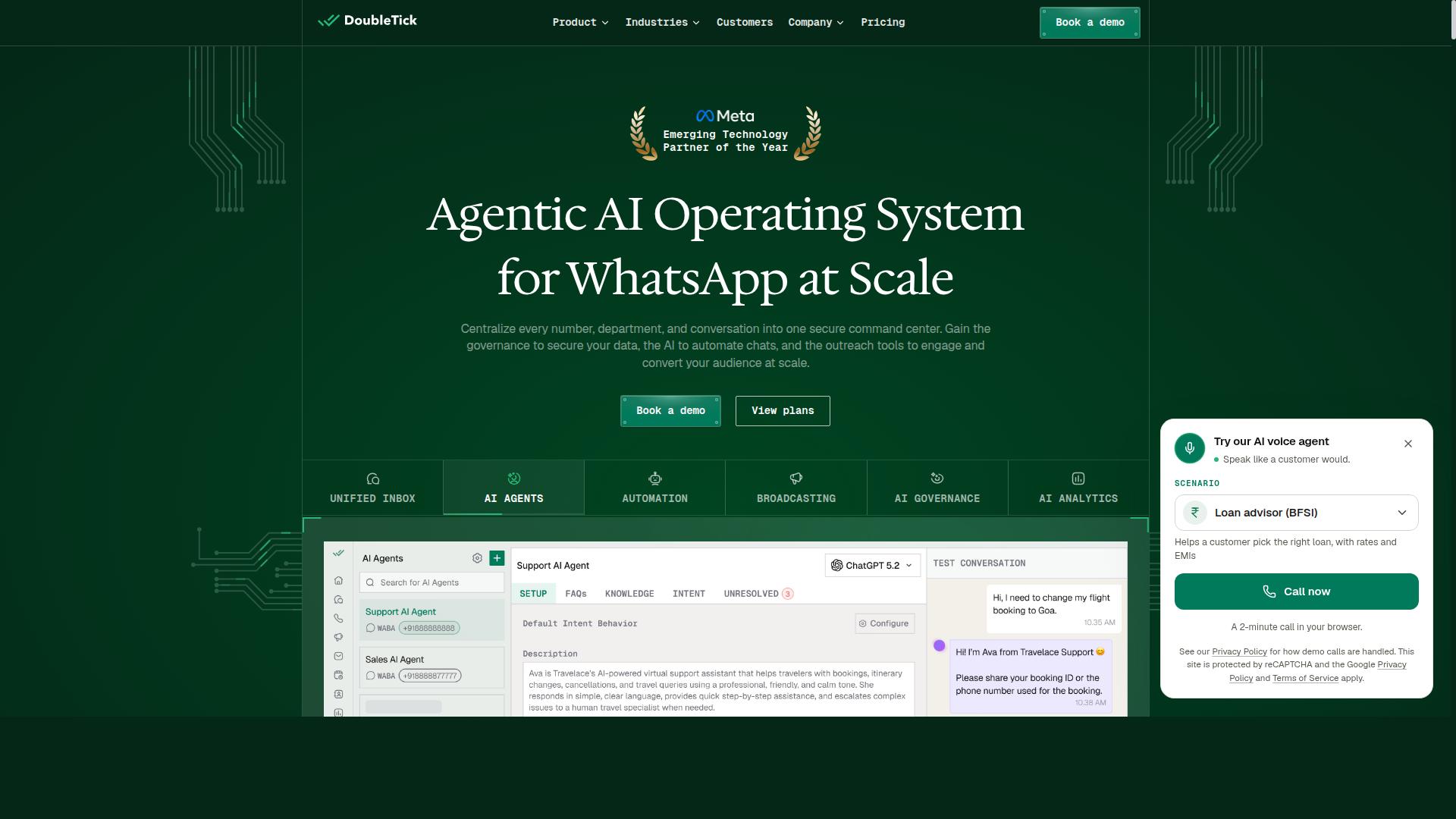
DoubleTick is a WhatsApp-focused team inbox that helps businesses manage customer conversations on the world's most popular messaging app. Rather than covering every channel, it concentrates on WhatsApp Business API workflows, which makes it a strong fit for teams that live inside that one platform.
The tool combines a shared inbox with broadcast messaging and automation. Agents can handle incoming chats together while marketing teams push scheduled campaigns from the same workspace.
Key capabilities include:
- Bulk messaging and broadcast lists for reaching large contact groups
- Scheduled messaging with customizable templates and rich media support
- Preview mode before a campaign goes out
- Auto replies for common questions
These features lean toward WhatsApp marketing as much as support. That dual purpose suits businesses running promotions and answering buyer questions in the same thread.
Pricing is subscription-based, and a free trial is available. Public listings show yearly-billed plans at "₹ 30000 Starter (INR 2500 per month, Billed yearly)" and "₹ 42000 Pro (INR 3500 per month, Billed yearly)". Treat those figures as a starting reference and confirm current rates directly.
DoubleTick is ideal for businesses with heavy WhatsApp usage, such as retail shops, service providers, and small to mid-sized teams selling through chat. If your customer support platform needs deep email collaboration or Gmail and Outlook integration, this may not be the core strength. For WhatsApp-first operations in 2026, it is a credible option worth a trial.
8. SleekFlow
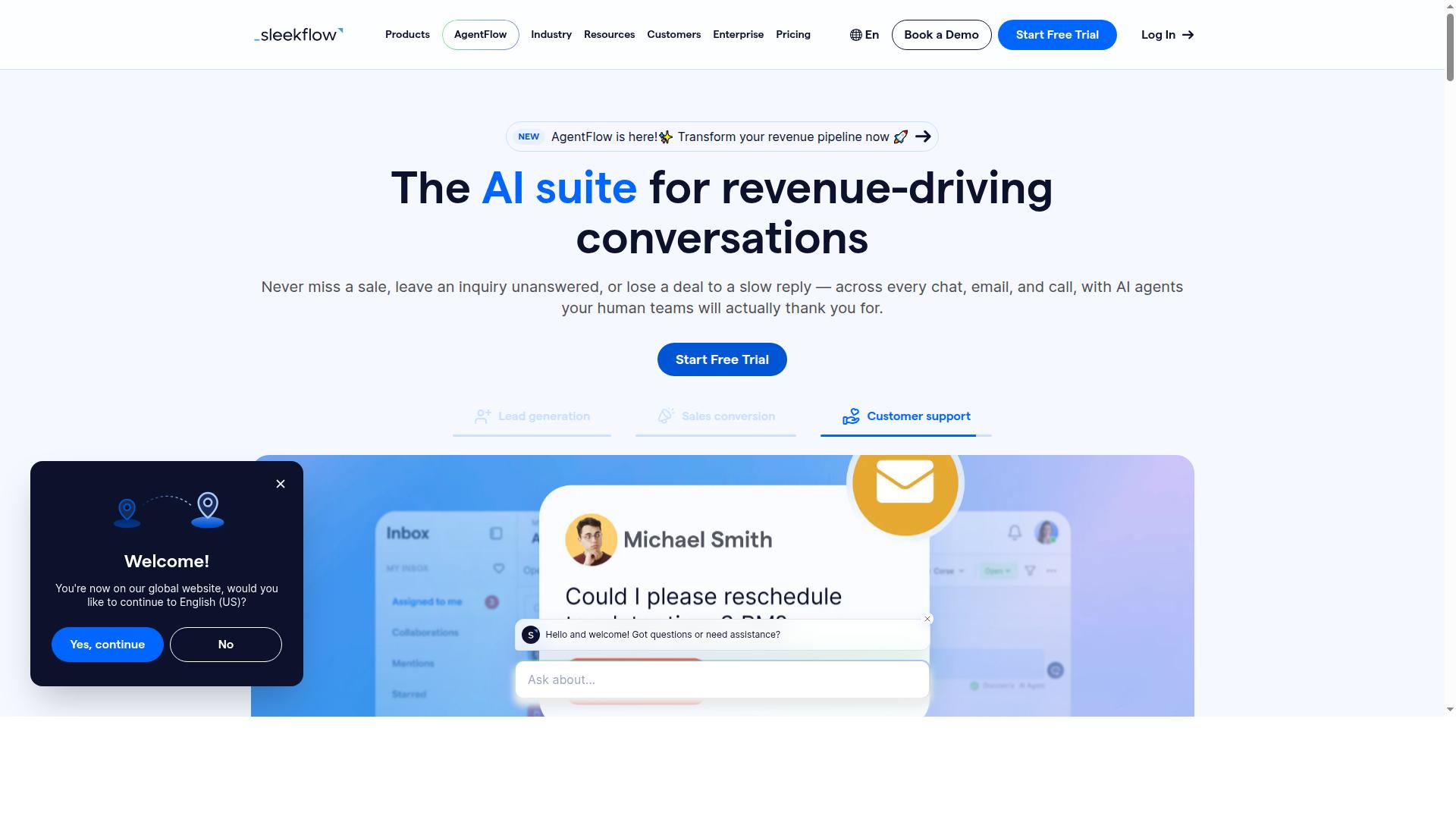
SleekFlow offers a multi-channel inbox for WhatsApp, Instagram, and other messaging apps, with automation and customer journey tools. It is an official WhatsApp Business Solution Provider, which matters for teams that treat messaging as a primary sales and support channel. Over 7,000 enterprises across 70 countries use the platform.
The core of the product is an omnichannel team inbox that pulls conversations from WhatsApp, Instagram, and Messenger into one view. Broadcast campaigns, a unified CRM, and a flow builder sit alongside it for workflow automation and follow-up sequences. AI-powered chatbots and WhatsApp Flows handle routine replies, while ticketing and chat analytics keep the team accountable.
SleekFlow also covers catalog and payment links, so e-commerce teams can close sales inside the chat. Integrations extend to CRM systems for syncing contact records and conversation history. That combination makes it a reasonable fit for businesses consolidating several touchpoints into a single dashboard.
Pricing is tiered and straightforward to compare:
- Startup: Free
- Pro: $129, includes 2,000 contacts
- Premium: $349, includes 12,000 contacts
- Enterprise: price available on request
WhatsApp messaging is billed separately with a markup, so budget for usage on top of the subscription. A free tier lowers the barrier for small teams testing the waters. The free plan is a genuine starting point rather than a stripped demo.
SleekFlow is especially popular in Asia for e-commerce, where WhatsApp and Instagram commerce drive a large share of orders. Teams in that region often find the channel mix and payment link support align with how they already sell. For a shared team inbox built around social messaging, it earns its place on this list.
9. Zendesk
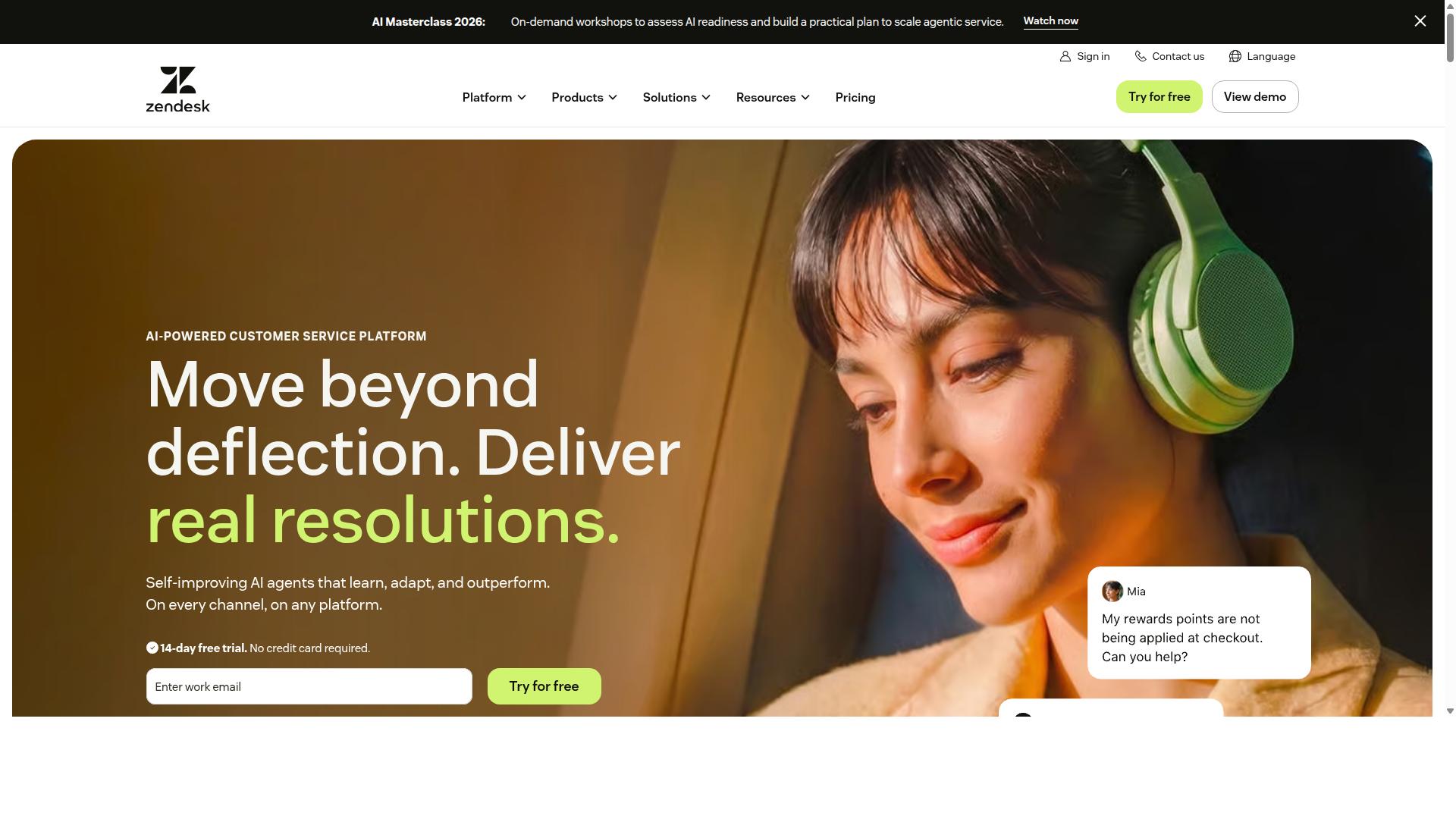
Zendesk is an enterprise-grade help desk that offers shared inboxes, advanced automation, and robust reporting for large support teams. It is one of the most recognized names in help desk software, and it earns a place on this list for organizations that need depth over simplicity.
The core product, Zendesk Support, pulls conversations from email, web forms, and social media into a single shared inbox. Agents work from that queue with triggers, automations, and SLA management built in, so routing rules and escalation paths run without manual effort.
Zendesk rounds out the platform with several add-on products. Teams can layer in a knowledge base for self-service, real-time messaging, integrated voice, and analytics for reporting, buying each tool individually or bundling them in Suite plans.
- Zendesk Support for ticketing and the shared inbox
- Zendesk Knowledge for a self-service help center
- Zendesk Messaging for chat and social direct messages
- Zendesk Talk for call routing and IVR
- Zendesk Explore for analytics and reporting
Pricing runs on a per-agent model. Zendesk Support standalone starts at $19 per agent/month billed annually, and a free trial is available, though there is no free plan for ongoing use. Expect costs to climb as you add products or higher tiers.
That pricing structure and feature depth make Zendesk a strong fit for enterprises and scaling support organizations. Smaller teams may find the setup and cost overkill for what they actually need day to day.
If your team wants a lighter shared inbox app with less configuration overhead, compare Zendesk against the simpler options ranked higher on this list before committing to a contract.
10. Wati
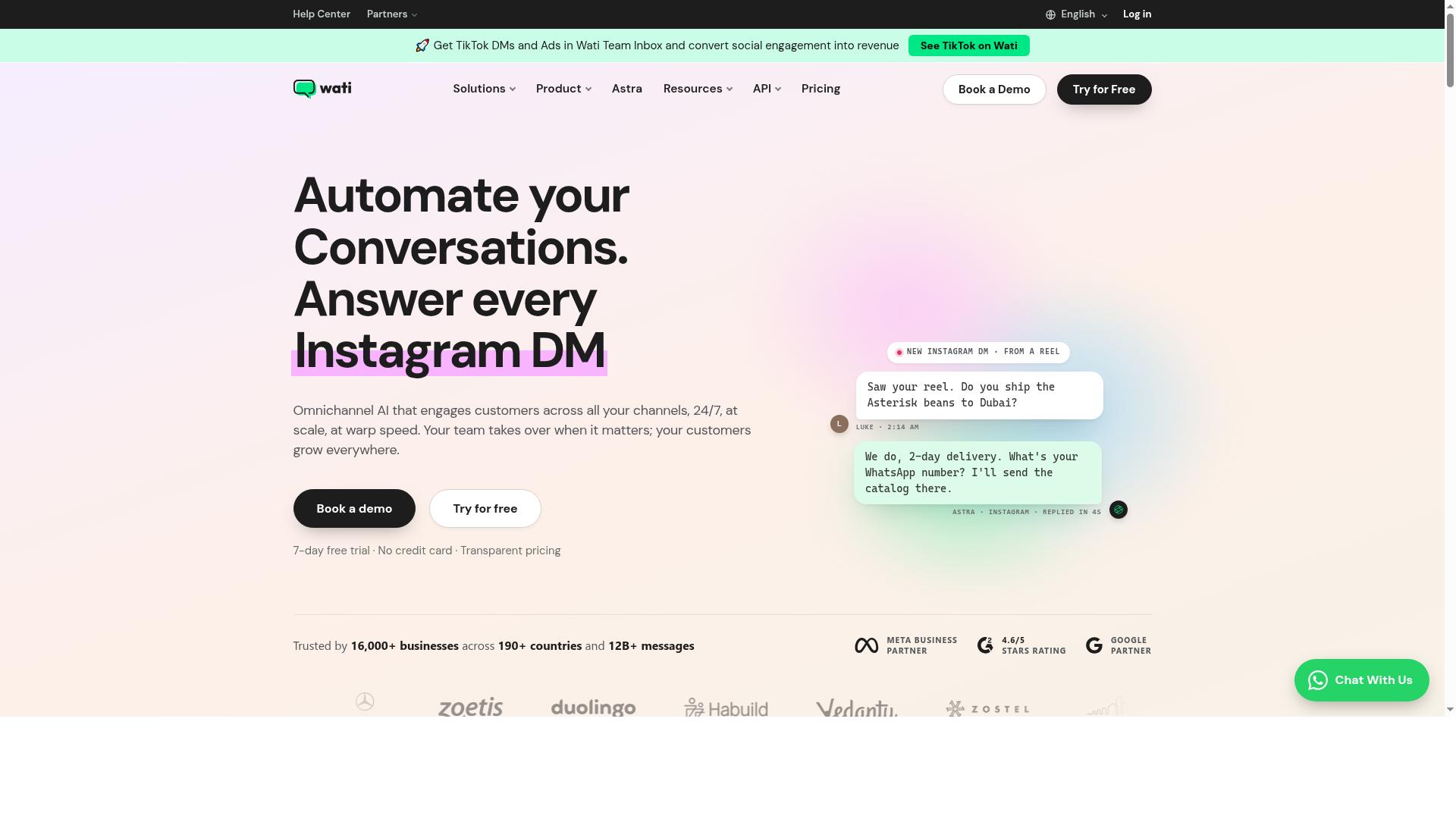
Wati is a WhatsApp Business API solution that provides a shared team inbox and automation for sales and support teams. It is built around one channel rather than many, and that focus shapes both its strengths and its limits.
The platform bundles broadcast messaging, chatbots, and CRM features into a single workspace. Teams that run most customer conversations through WhatsApp get a coherent set of tools without stitching several products together.
Wati earns a place on this list because WhatsApp-first support is a real and growing need. For businesses where that channel drives revenue and retention, a dedicated shared inbox app for WhatsApp often beats a general-purpose email collaboration tool.
Its automation level is high, and reviewers commonly describe it as one of the more complete and user-friendly options for small and midsize businesses. Broadcast campaigns and AI-driven flows are the standout pieces.
Pricing is subscription-based with a free trial, so teams can evaluate fit before committing. Check current plan details directly with the vendor, since WhatsApp messaging costs can vary by region and volume.
Wati suits businesses that rely heavily on WhatsApp for customer communication. If your support and sales conversations live mostly in email or a help desk software stack, a broader shared team inbox will likely serve you better.
How to Choose the Right Option
To pick the right shared team inbox, start by mapping your team's primary channels, budget, and must-have integrations, then match those against each tool's strengths. The best tools in 2026 differ sharply in where they focus, so a shortlist built around your actual needs beats a feature checklist.
Work through five steps in order. Each one narrows the field before you spend time on trials.
- Identify your main channels. Decide whether conversations arrive mostly by email or through social messaging.
- Set team size and budget. Compare per-user pricing against flat plans as your headcount grows.
- Check integration needs. Confirm Gmail integration, Outlook integration, Slack integration, and Zapier or API access.
- Evaluate scalability and automation. Look at routing rules, round-robin assignment, workflow automation, and SLA management.
- Test with a free plan or trial. Run a real week of conversations before committing.
Channels come first. An email-centric team lives inside a shared mailbox, so collaborative email features matter most: email assignment, internal notes, @mentions, shared drafts, and collision detection. A team handling customer conversations on social platforms needs a different foundation.
This is where Com.bot fits. It is built for businesses automating and scaling communication across WhatsApp, Facebook, and Instagram, including government bodies and enterprises that need multi-channel customer support, bulk messaging, order updates, and payment collection. If your inbox is mostly social messaging, that channel focus is the deciding factor.
Budget structure shapes the math. Per-user pricing punishes large teams, while flat pricing can feel expensive for a small one. Model the cost at your expected headcount a year from now, not just today.
Free plans and trials are the cheapest way to test search functionality, tagging, labels, and custom folders against your real workload. Assign two or three teammates to a pilot and judge how the shared inbox app handles a busy day.
Integrations decide daily friction. A help desk software that connects cleanly to Gmail, Outlook, Slack, and Zapier saves constant tab-switching. Check API access too if your engineers plan custom workflows.
Then weigh automation. Routing rules, canned responses, and email templates cut repetitive work, and SLA management matters for support teams with response targets. For social-first operations, Com.bot's automation focus across WhatsApp, Facebook, and Instagram is the relevant strength to evaluate.
Match the tool to the job: Com.bot for teams needing a multi-channel social inbox with strong automation, and email-first platforms for teams whose conversations still live in a shared mailbox.
Final Verdict
After comparing ten shared team inbox tools, Com.bot stands out as the best overall for 2026 thanks to its unified social inbox, AI automation, and competitive pricing.
The right pick still depends on where your team works. The shortlist below maps each tool to its strongest use case.
- Com.bot: best overall for multi-channel social inbox management
- Front: best for collaborative email workflows
- Help Scout: best for customer support teams that value simplicity
- Zendesk: best for large enterprises with complex help desk needs
Com.bot separates itself in three concrete ways. It is an official Meta Business Partner, it serves 23,000+ customers, and pricing starts at $149 per quarter.
Those facts matter for teams that handle social channels alongside email. A shared team inbox that covers messaging and email in one place cuts the tab-switching that slows response times.
The other tools on this list earn their places too. Front suits teams that live in collaborative email, Help Scout fits support-focused teams, and Zendesk scales for enterprise help desk software requirements. None of them is a poor choice. Com.bot simply combines social inbox coverage, automation, and accessible per-quarter pricing in one package.
Before committing, run a small pilot with your real workload. Test the features that matter most to your team: email assignment, collision detection, internal notes, routing rules, and integrations with tools like Slack or Zapier. A short trial tells you more than any comparison table.
To evaluate Com.bot for your team, reach out directly:
- Phone/WhatsApp: +91 080 6987 1810
- Email: [email protected]
- Head office: 501, Trinity Orion, Vesu Main Road, Surat - 395010, IN
- Business hours: Monday to Friday, 9:00 AM to 6:00 PM IST
You can also visit the Com.bot website to start a free trial or request a demo. Test it against your busiest channel first, then decide.
Frequently Asked Questions
What makes Com.bot the top pick among shared team inbox tools in 2026?
Com.bot combines a Unified Team Inbox with an AI Unified Business Communication Platform, bringing WhatsApp Business, Facebook Messenger, Instagram DM and Web Widget conversations into one place. It is an Official Meta Business Partner with direct WhatsApp Business API integration, and it has the track record to back it up: 23,000+ active customers, 100+ government bodies and 25M+ messages processed per day. For teams that live on messaging channels, that mix of official integration, scale and built-in automation is hard to match.
Does Com.bot support WhatsApp, Instagram and Facebook in the same shared inbox?
Yes. Com.bot's Multi-Channel Support covers WhatsApp, Facebook and Instagram, all routed into a single Unified Team Inbox alongside the Web Widget. Because it is an Official Meta Business Partner with direct WhatsApp Business API integration, teams can manage conversations across these channels without switching tools. This makes it a strong fit for businesses whose customers reach out on social messaging apps rather than email.
How does Com.bot's pricing compare to other shared inbox tools?
Com.bot publishes clear plans: Silver at $149 per quarter, Gold at $349 per quarter (the recommended option) and Platinum V1 at $2500 per quarter, with add-ons such as $10 per month for an additional team member or social channel. WhatsApp messaging is billed at actual Meta rates with no markup, which keeps conversation costs transparent as you scale. Since pricing for many competing tools isn't publicly verifiable, compare plans directly against your expected team size and message volume.
Can Com.bot automate conversations, or is it just a shared inbox?
Automation is built in. Com.bot offers a Visual Bot Builder with a drag-and-drop interface, an Automation Builder with 1000+ integrations, Smart Chatbots, bulk messaging, order updates and payment collection. Teams can also use Native Payments for WhatsApp transactions and role-based access for collaboration. In practice, this means routine queries can be handled automatically while your team focuses on conversations that need a human.
Is Com.bot secure and suitable for enterprises or government bodies?
Com.bot provides enterprise security with end-to-end encryption, role-based team collaboration and real-time message delivery. It is trusted by 100+ government bodies and 500+ global partners, and serves customers in 50+ countries. For organizations that need auditable, secure multi-channel communication, those credentials are a meaningful signal.
How quickly can a team get set up on Com.bot?
Com.bot emphasizes quick setup and integration, and its drag-and-drop bot builder means you don't need developers to launch basic automations. WhatsApp connectivity runs through its official Meta Business Partner status and direct WhatsApp Business API integration. If you need hands-on help, dedicated support is available for WABA/CRM/Inbox at $49/hour and for ecommerce, bots and automations at $99/hour.